- Published on
From Sketch to Stunning: How Stable Diffusion Transforms Your Drawings
- Authors
- Name
- Albert Alam
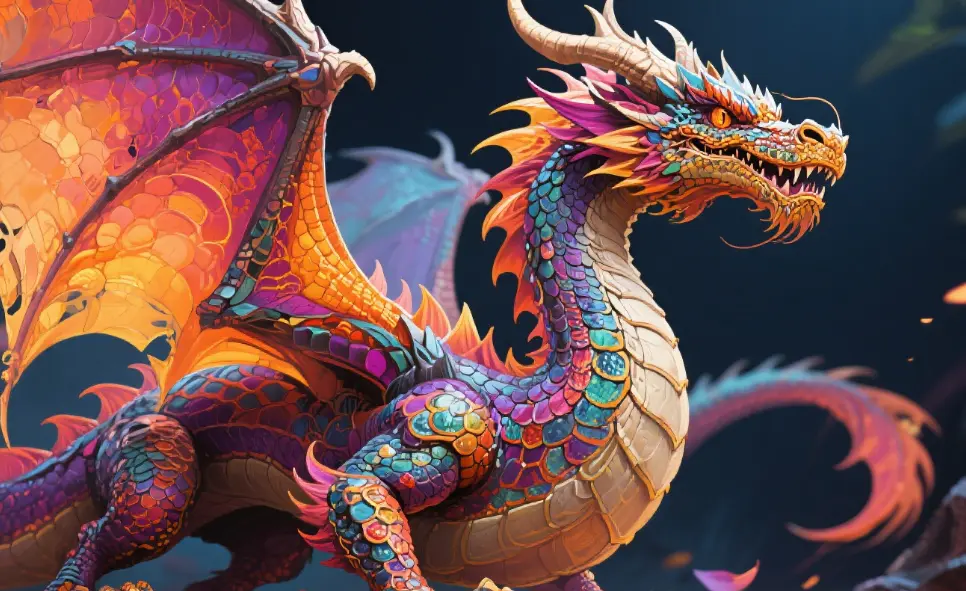
Creating detailed artwork from a basic sketch has never been easier, thanks to AI-powered tools like Stable Diffusion. I remember the first time I uploaded a rough pencil sketch of a fantasy creature, curious to see what this AI could do. The results were surprisingly impressive—and a bit magical.
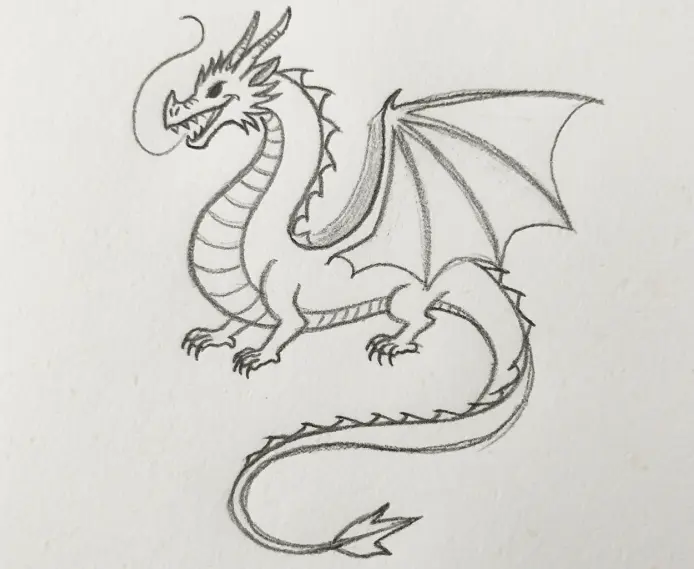
The beauty of Stable Diffusion lies in its ability to understand and extrapolate your intent. You provide a sketch, and the model interprets it, filling in textures, lighting, and colors. For content creators and digital artists, this is a game-changer. Not only can you produce eye-catching visuals quickly, but you can also experiment with multiple styles without being an expert painter.
One thing I quickly learned is the importance of detail in your initial sketch. Simple lines convey the general shape, but small hints—like the curve of a wing or the tilt of a head—guide the AI’s decisions. Think of it as giving a co-artist some breadcrumbs: they won’t make every decision for you, but they can create a feast if you lead them carefully.
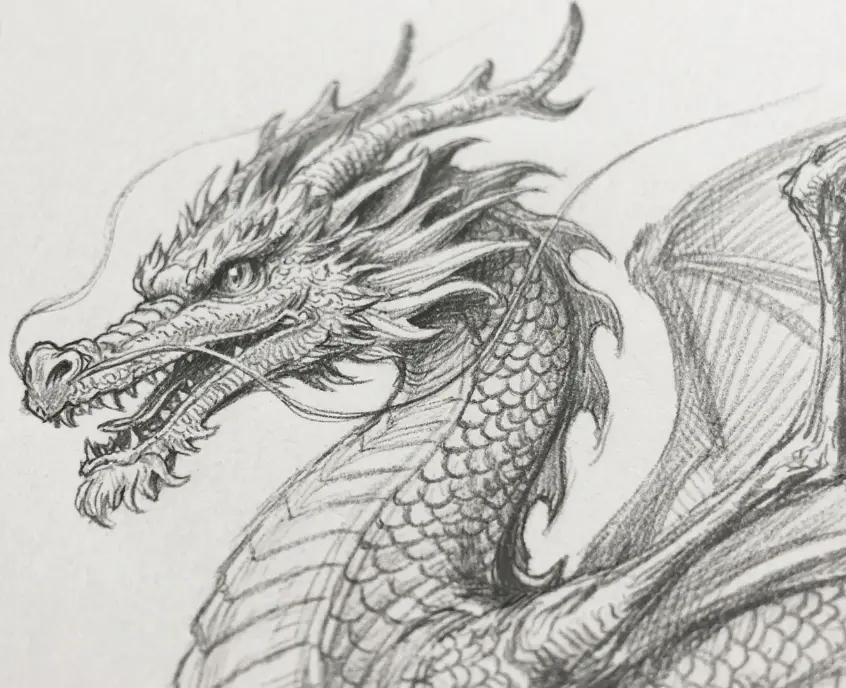
Using prompts effectively is another critical step. I used descriptors like “realistic dragon scales, glowing eyes, misty mountain background” rather than just “dragon.” The more precise your language, the closer the output matches your vision. However, Stable Diffusion has its limitations. Complex human anatomy, highly intricate patterns, or extremely abstract concepts might need multiple iterations or slight manual tweaks.
During one experiment, I tried a highly whimsical approach: sketching a floating city and prompting Stable Diffusion with “dreamlike floating city at sunset, clouds wrapping around towers.” The result was stunning. It captured the surreal atmosphere perfectly, and I even caught myself narrating a story about the city while staring at the image. This personal connection is one reason AI-assisted illustration isn’t just technical—it’s inspiring.

From a traffic perspective, sharing your AI-assisted sketches can attract attention quickly. People are fascinated by “before-and-after” transformations. I posted a sketch-to-image workflow on social media, and engagement spiked. My advice: include both the original sketch and the final result. Transparency about using AI enhances credibility and piques curiosity.
Here are some practical tips for leveraging Stable Diffusion for your sketches:
- Start with clean, clear sketches. AI interprets shapes best when the input is neat, even if minimalistic.
- Use precise, descriptive prompts. Mention textures, lighting, colors, and style to guide the model.
- Iterate with variations. Sometimes a slight change in wording generates a dramatically better result.
- Combine AI outputs with your edits. Tools like Photoshop can refine AI results, adding a personal touch.
- Document your process. Show sketches, prompts, and AI outputs. People love process-oriented content—it drives engagement.
Remember, Stable Diffusion is a tool, not a replacement for creativity. It amplifies your ideas but cannot replace the human spark that gives your art meaning. The joy for me lies in seeing a simple sketch transform into something visually rich, almost as if my pencil had a hidden superpower.
In conclusion, whether you’re an aspiring artist, a content creator, or someone looking to enhance your visual storytelling, Stable Diffusion offers an accessible and powerful way to bring sketches to life. By combining thoughtful sketches, detailed prompts, and iterative refinement, you can produce stunning, shareable artwork that resonates with your audience.