- Published on
Stable Diffusion and Logo Design: From Creation to Enrichment
- Authors
- Name
- Albert Alam
If you ask ten designers what the hardest part of logo design is, at least half will say: getting started. Staring at a blank canvas can be intimidating. That’s where Stable Diffusion has been quietly reshaping the creative process. Instead of waiting for the “perfect idea,” designers can now generate dozens of concepts in minutes, refine them, and even enrich existing designs.
I want to share not just what Stable Diffusion can do for logo design, but also how you can use this workflow to attract attention, grow influence, and keep readers coming back.
Why Stable Diffusion Fits Logo Design
Logos are not like complex 3D renders or photorealistic movie scenes. They thrive on simplicity, repetition, and symbolic clarity. Stable Diffusion excels here because:
- It can quickly produce multiple vector-like ideas when guided with the right prompts.
- It allows style conditioning, so you can nudge designs toward minimalism, retro aesthetics, or futuristic branding.
- It is affordable, scalable, and highly adaptable to personal workflows.
When I first tried Stable Diffusion for logos, the results were… rough. Some outputs looked more like tattoo sketches than business emblems. But after adjusting prompts, applying text encoders, and using img2img refinement, the system started producing designs that felt surprisingly polished.
From Concept to Enrichment
A common misconception is that Stable Diffusion instantly produces a ready-to-use logo. In reality, it’s more like a creative sparring partner. Here’s the flow that works for me:
- Concept Brainstorming
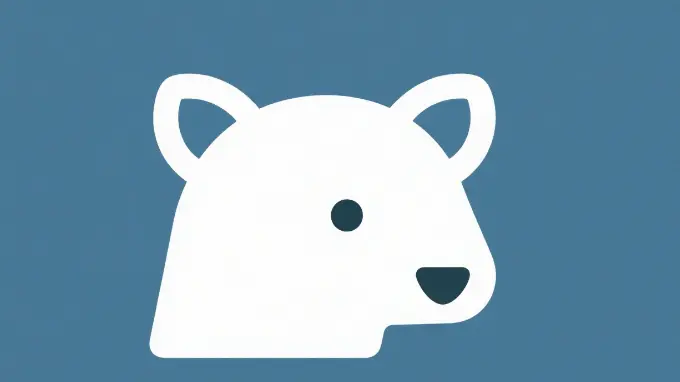
Use broad descriptive prompts: “minimalist fox logo, vector, flat design, sharp lines.”
This creates a large pool of starting points.
Refinement with Img2Img
Take one promising design and re-feed it into img2img with tighter prompts. This step often corrects inconsistencies and sharpens edges.Enrichment with Detail
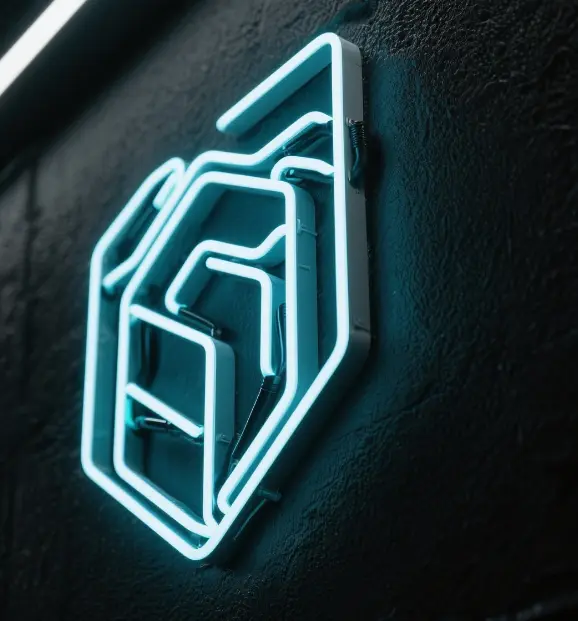
If a logo feels flat, add modifiers like “metallic texture,” “neon glow,” or “hand-drawn ink stroke.” This is where SD shines—it’s not just about the logo itself but also about creating visual stories around it for presentations.
- Iteration and Human Touch
No AI replaces vector polishing. The best workflow is exporting to Illustrator or Figma and adding professional touches. Stable Diffusion gives you speed, but your expertise makes it timeless.
The Traffic Angle: Why Write About This?
Let’s be honest: talking about AI logo design is not just for fun. It’s a growing search trend. People are typing things like:
- “AI logo generator”
- “Stable Diffusion branding”
- “AI tools for business logos”
By writing about your process, showing examples, and mixing in personal commentary, you tap into this traffic stream.
Here’s what I noticed when I published my first SD-logo article: readers loved seeing the messy iterations. They didn’t just want the polished final version—they wanted to see the journey. That kind of transparency builds trust and keeps people clicking.
A Personal Take
I used to dread client requests like, “We need 20 logo ideas by tomorrow.” Now, Stable Diffusion has turned those panic moments into something fun. It’s not that the AI gives me final answers—it gives me a hundred starting points. Some are terrible, some are brilliant, but together they save me hours.
The other day, I even showed a client three AI-enriched variations of their old logo. They thought I had spent days on it. In reality, it took me two hours, with most of the time spent on polishing, not ideation.
Professional Cautions
Before you dive in, keep in mind:
- Trademark issues: SD outputs should always be treated as drafts. Originality still matters.
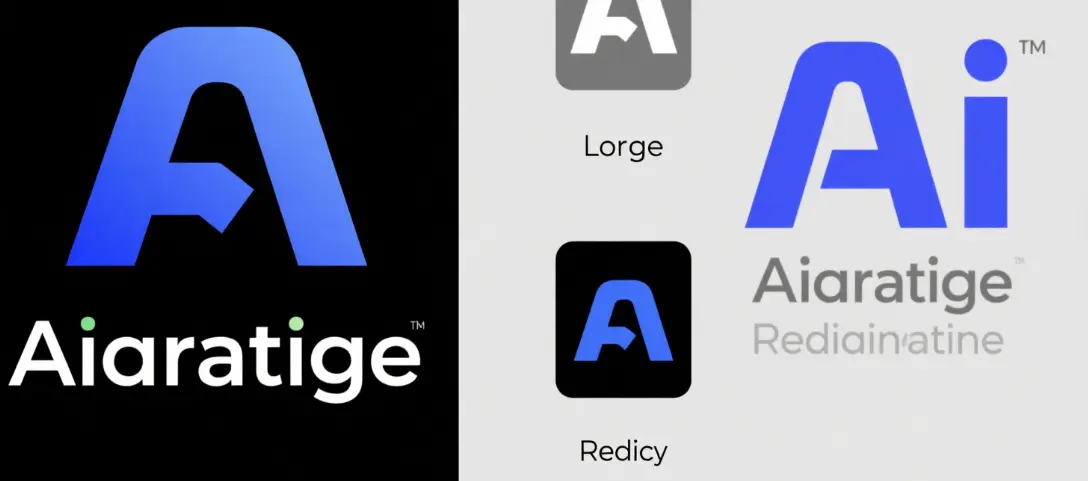
- Typography: Stable Diffusion struggles with clean, professional text. Combine AI graphics with human-made type.
- Consistency: Logos must scale and stay recognizable. Always test AI results at small sizes.
Final Thoughts
Stable Diffusion is not here to replace logo designers. It’s here to empower them. By blending AI-generated creativity with professional skills, designers can move faster, wow clients, and build influence by sharing their unique workflow stories online.
If you’re a blogger, designer, or marketer, start experimenting. Every logo you generate is not just a design—it’s potential content fuel for case studies, tutorials, and stories that can grow your reach.